

Free trial
3 days free1 active account · up to 2 active proxies
Up to 10 actions that change data in Telegram per 24 hours.
Ask TGDock AI to join chats by invitation, add contacts or send a campaign. You choose the order and the time between steps. TGDock handles the rest. Check your proxies or ask how a run is going in the same conversation.
Tell TGDock AI who to reach, what to offer and how long to wait between messages. It writes the copy and builds the campaign. Need a different discount or a longer pause? Just ask in the same chat.
Explore plans
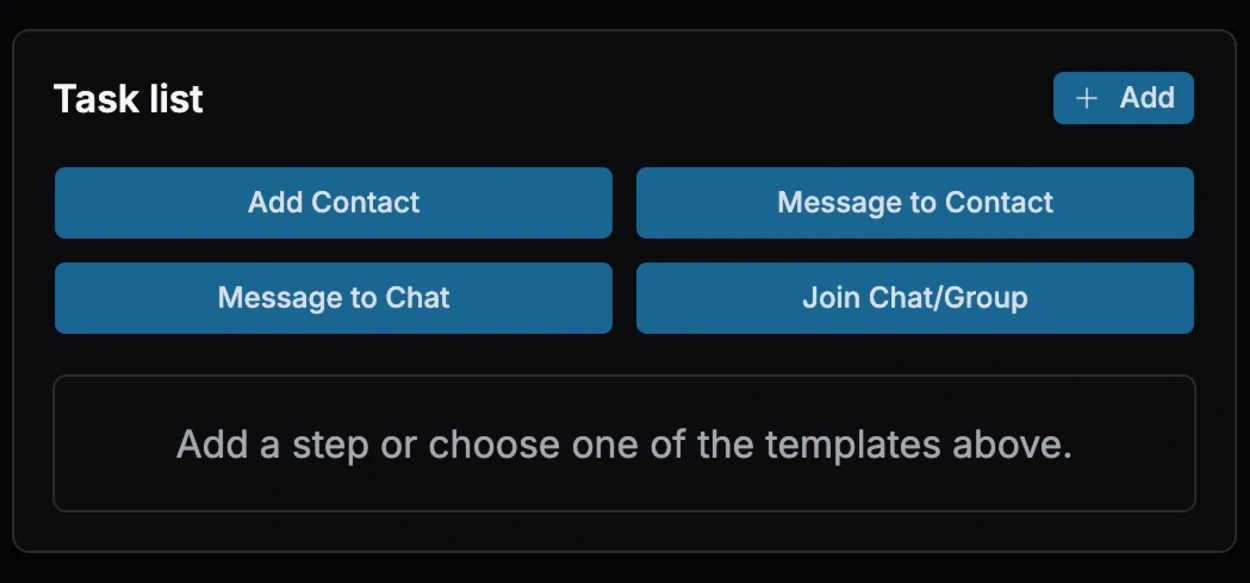
Choose the contact and message workflow to reach someone directly. For a group, choose the join and message workflow. Your account follows the invite link and posts the message after the delay you set.
Start with one account. Switch to Pro when you’re ready to connect more senders.
1 active account · up to 2 active proxies
Up to 10 actions that change data in Telegram per 24 hours.
Bring up to 200 active accounts into one workspace. Let TGDock AI build your campaigns and manage as many of your own proxies as you need.
Open TGDockAffiliate marketing and media buying
Send your media buyers and partners the payout, target regions and offer link. When the advertiser changes the terms, update the template for your next campaign.
Telegram channel promotion
Buying ads for your channel? Ask the admins you work with which dates are available. Selling placements? Send advertisers a link to your media kit.
Communities and online schools
Give the AI the topic, time and streaming link. It prepares an announcement for the chats you choose, so you can skip copying it into every group.
Business and sales
Choose the customers waiting for your new collection and include a link to the catalog. Once the campaign starts, you can see who has already been sent the offer.
Ask the AI to check your proxies, choose your recipients and build a campaign. If Telegram restricts an account, you can see SpamBot’s response and the account’s appeal history.

Select your proxies in the chat. TGDock AI prepares the checks and shows which connections are included in the workflow.
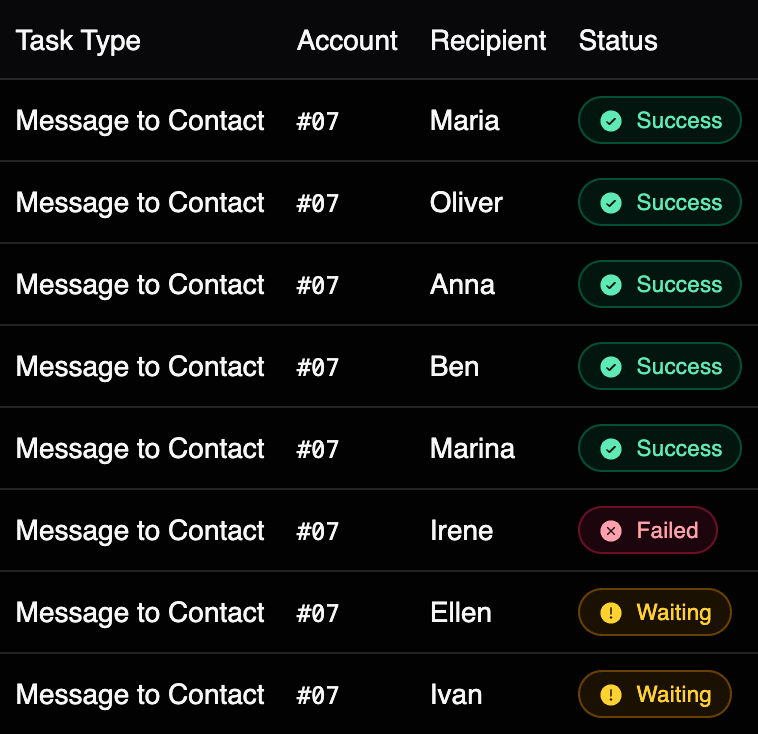
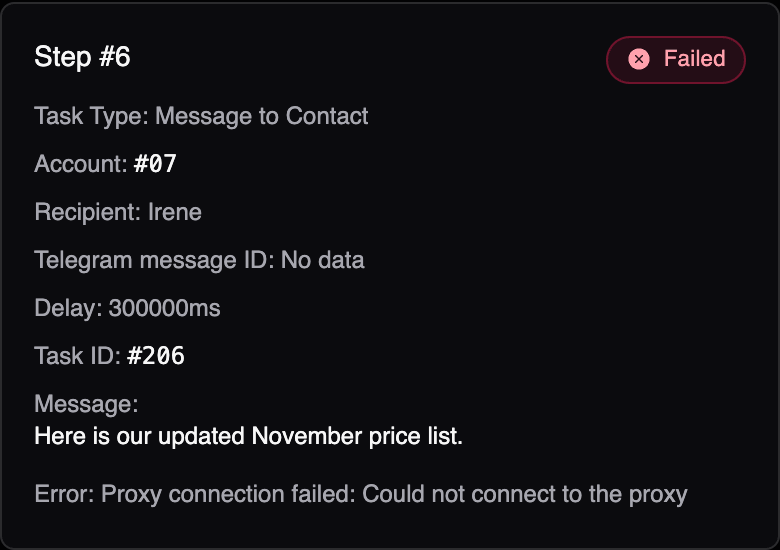
TGDock reports show how much your accounts have done and what’s still in the queue. If a campaign stops, open the step to see what happened.


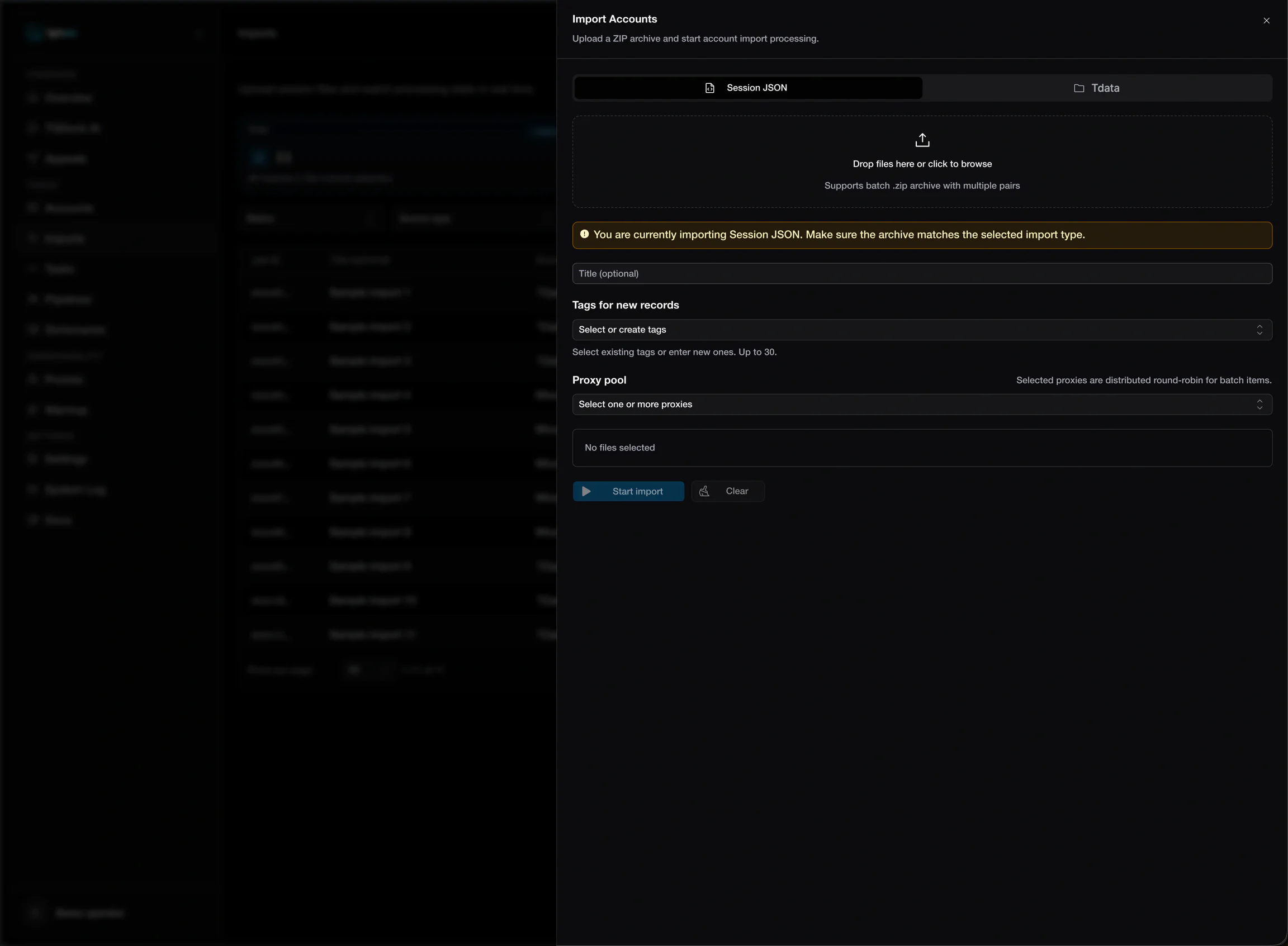
Import accounts in a ZIP containing Session JSON or TData files. See the result for each file and use tags and notes to find the right sender.
Ask the AI to check a proxy before a campaign, assign it to an account or show its check history. Enter new connection details in a secure form, or import a whole list of proxies.
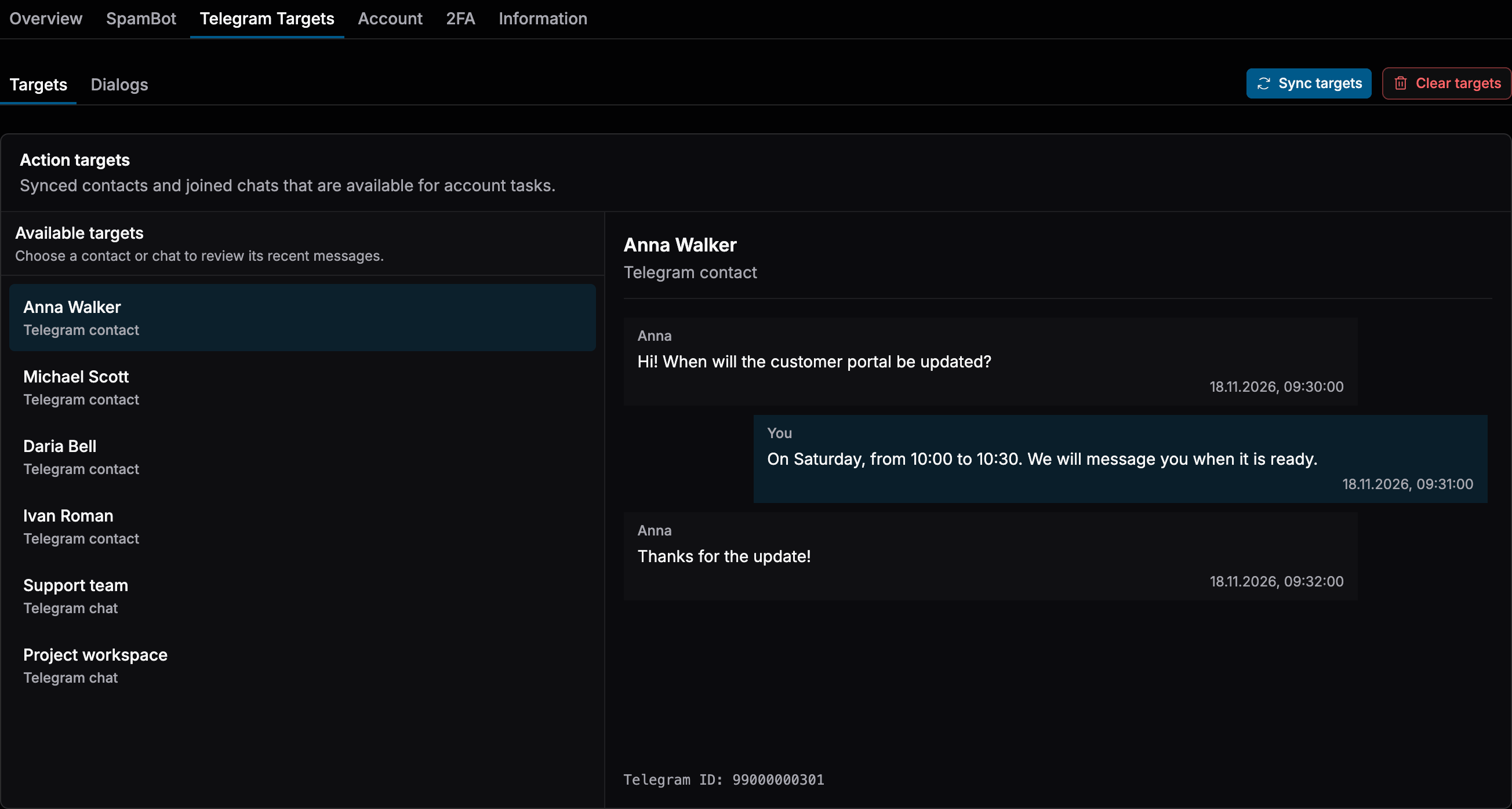
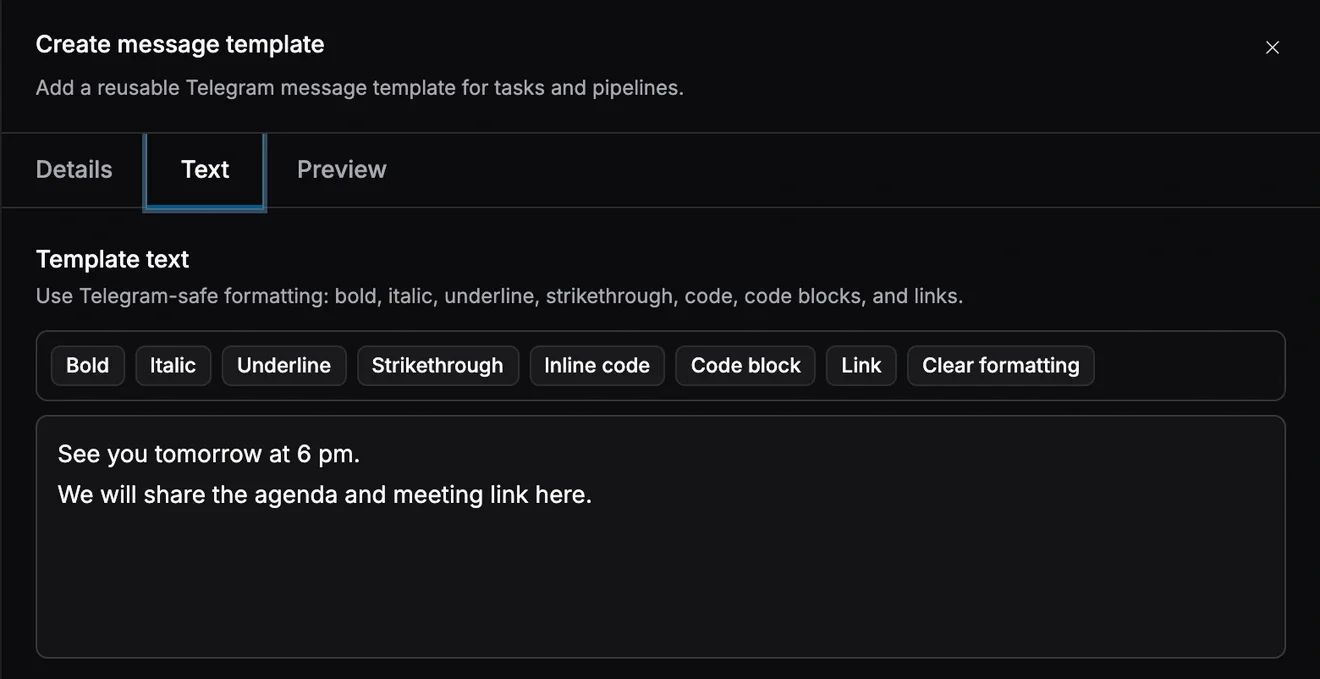
Manage lists of contacts and chats, and sync account conversations. Save a message as a template with its Telegram formatting and reuse it next time.
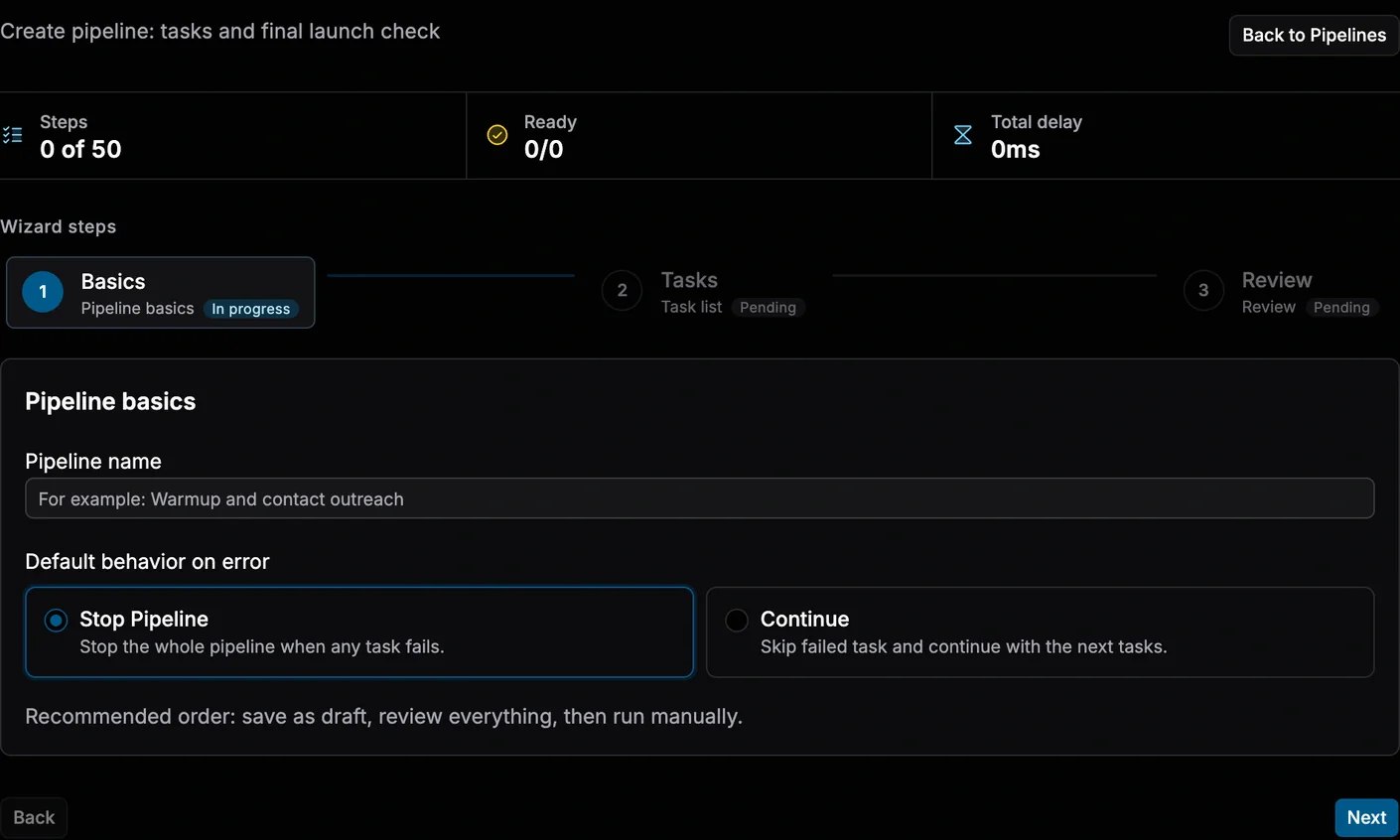
Link up to 50 steps. Set a fixed delay or ask the AI to vary the pauses within a range. Choose whether to stop on failure or continue with independent steps.
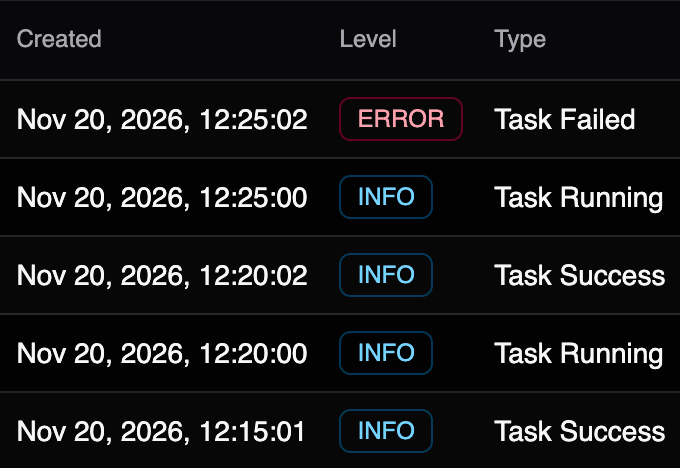
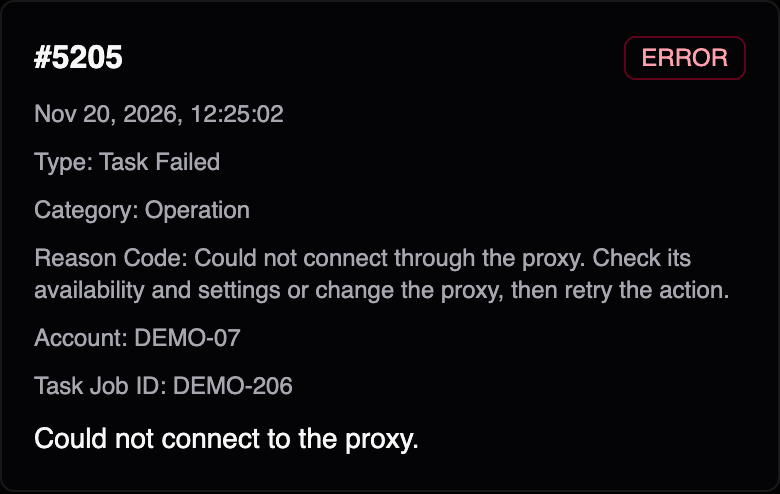
Follow each action, pause a workflow and resume it later. If Telegram asks you to wait, TGDock postpones the next attempt. Run history shows which messages were sent and why a step failed.
Check account activity, warm-up history and SpamBot restriction checks. If you can appeal a restriction, prepare an individual appeal and track its status.