TGDock AI
TGDock AI for Telegram workflows
Tell TGDock AI what to do in Telegram. Ask for changes in the same chat, then review the steps and start the task.
Prepare or revise a pipeline draft
Open TGDock AI
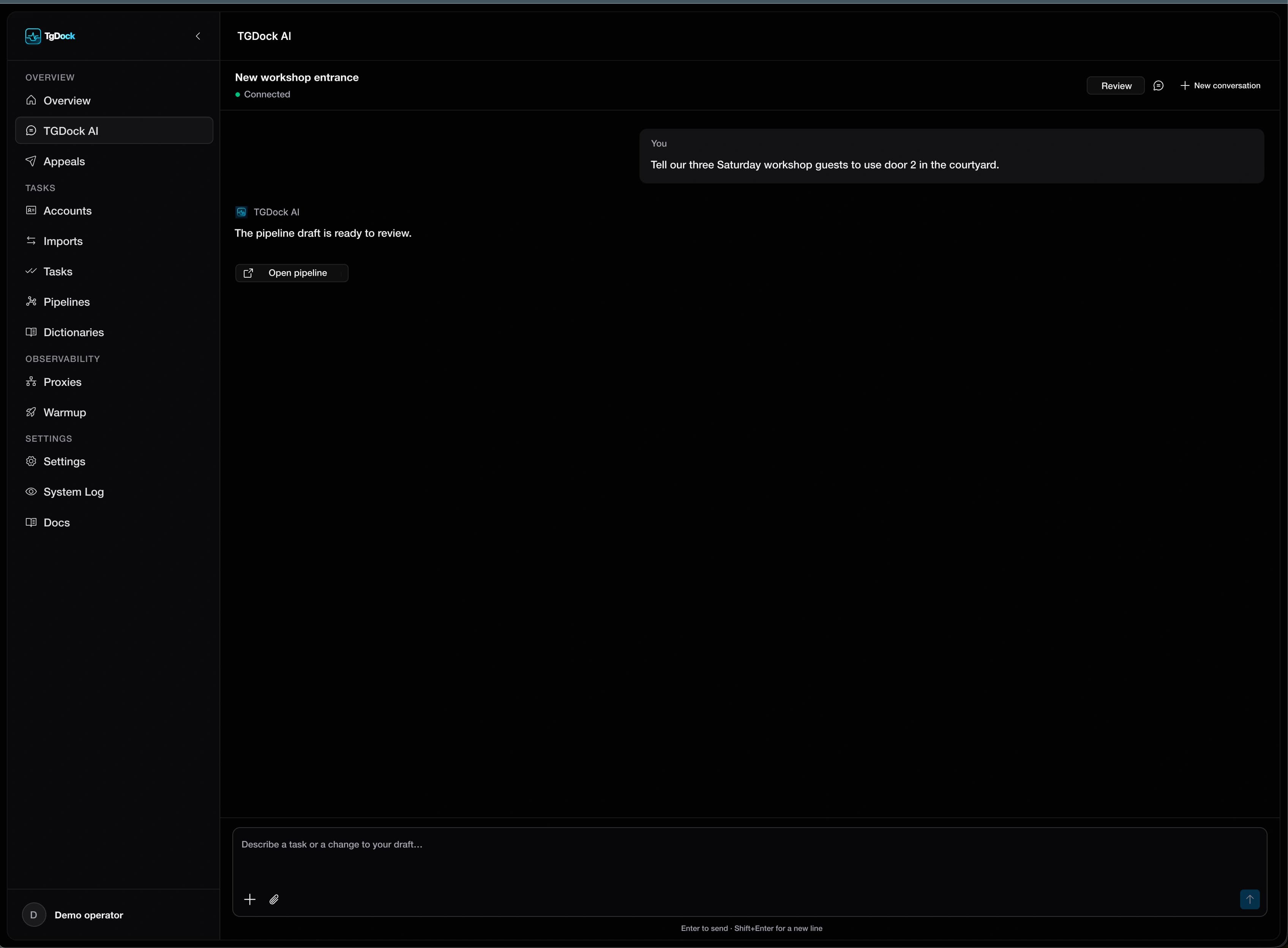
Select TGDock AI in the sidebar and choose New conversation to start a separate workflow.
Describe the work
Use Choose resources to select the accounts, recipients or an existing pipeline. In the example, the service update is already drafted. The user asks for a pause of five to ten minutes between its steps.
Review the proposed steps
Use Review to inspect the draft. Check the accounts, recipients, message, delay after the previous step, and what happens on failure, where applicable. The draft-ready message also provides an Open pipeline link.
Approve a launch and follow the run
In Review, select Approve and start when the current draft is ready. If you request more changes, review the resulting draft before confirming.
Open the run from the conversation or the Pipelines section. The conversation keeps links to its draft and runs, and TGDock AI can report the final status with counts of successful, failed, and skipped steps.
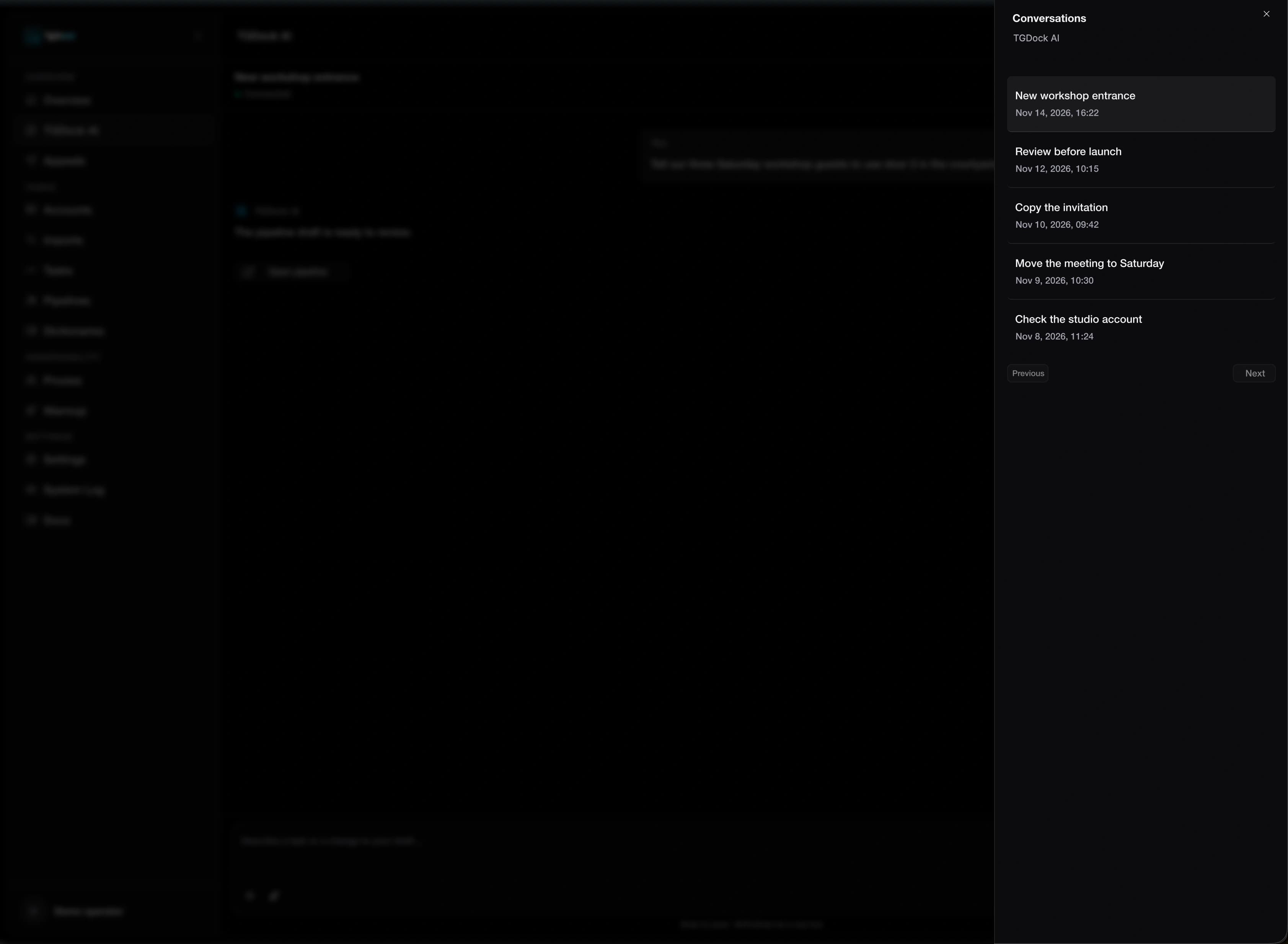
Reopen a conversation
Open Conversations and select an earlier thread to pick up its draft or check a linked run. The interface labels follow the selected product language. Text you previously typed remains in its original language.