
Operations
Accounts
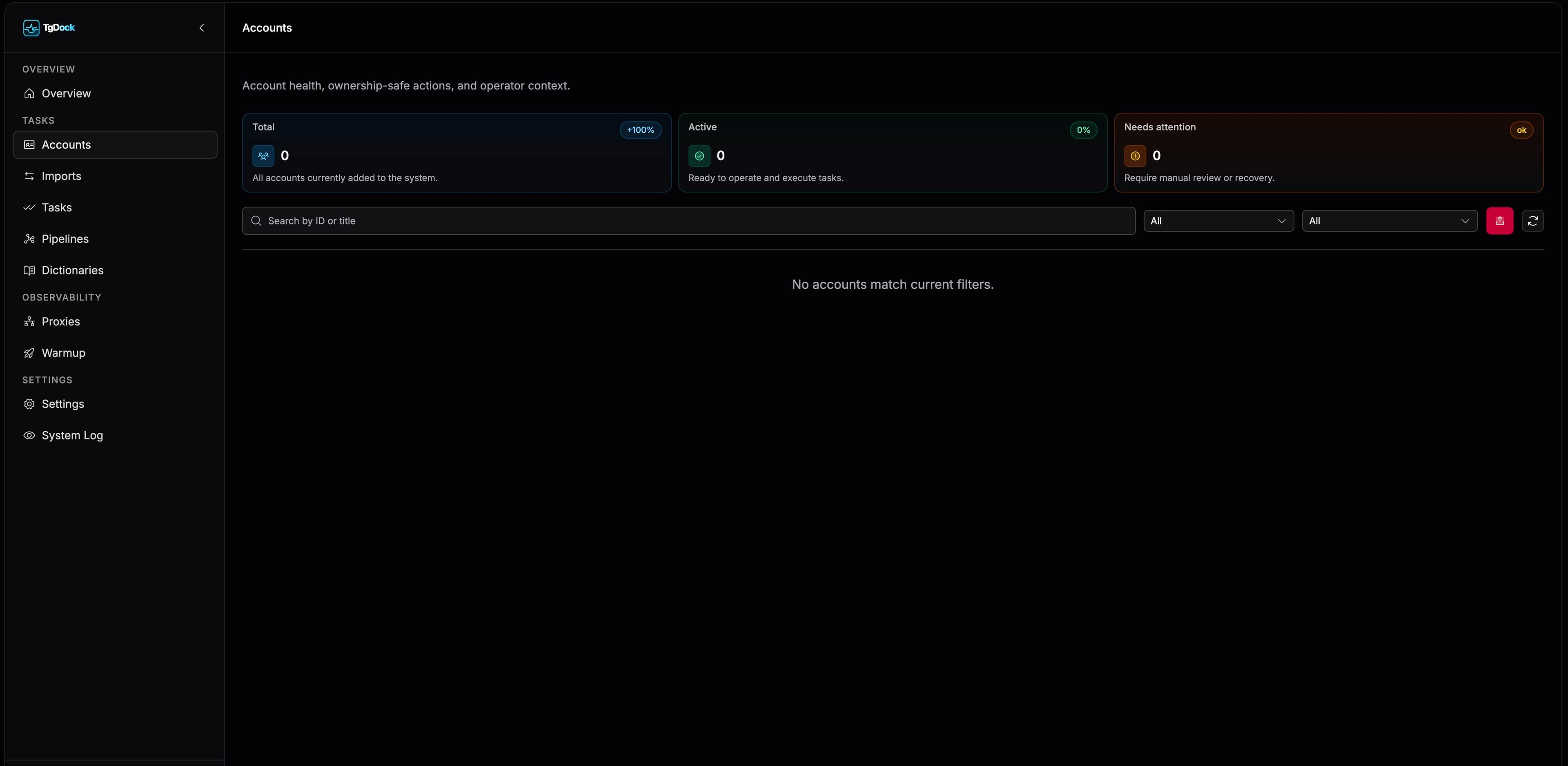
Accounts is the control surface for deciding whether a session is ready for tasks, pipelines, and ongoing operations.
Account list
The account list supports search by ID or name, filtering by status and import type, and row-level actions such as open, authorize, open tasks, start, and stop.
Telegram authorization
Open the Authorize flow
Launch it from the account row or from inside the detail card.
Fill phone, code, and 2FA
The form exposes the current authorization stage, helper hints, and the latest error state.
Activate the session
Once the flow completes successfully, the account becomes available for tasks and pipelines.
When the account requires authorization again
`AUTH_REQUIRED` means that the Telegram session is no longer authorized and must go through the authorization flow again. It is a distinct operational state, not a broken-session status.
- Open authorization from the account row or detail card.
- Repeat phone, code, and 2FA steps when Telegram requests them.
- After successful authorization, activate the account and confirm that it returns to a working state.
- If the error is proxy-related, resolve the account-card warning first.
What is inside the account card
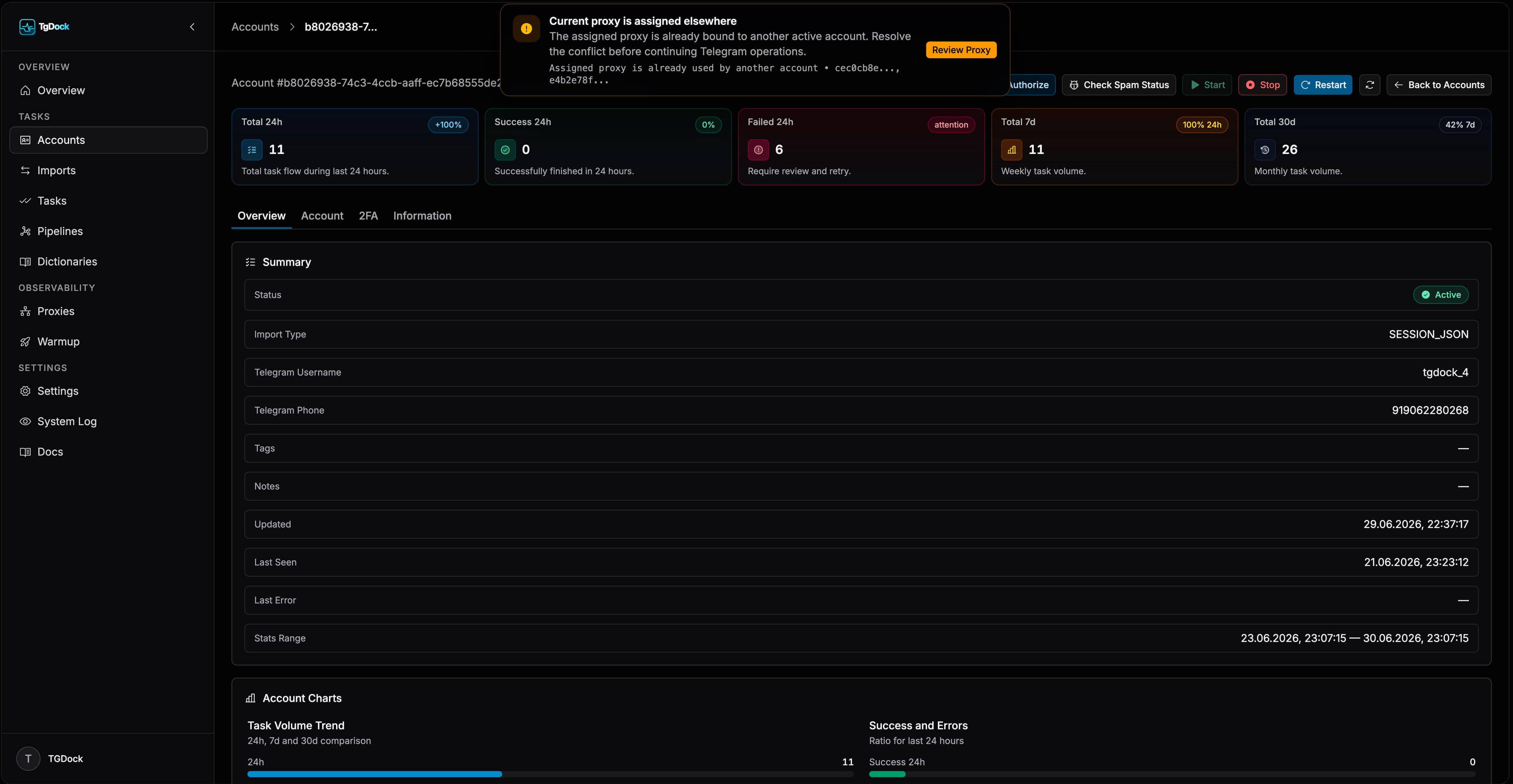
- Overview tab for spam checks, proxy attachment, and recent activity.
- Account tab for Telegram profile and avatar edits.
- 2FA tab for password updates and hints.
- Information tab for naming, tags, and notes.
Proxy notices and protected flows
When the assigned proxy is missing, invalid, or already bound to another active account, the account page surfaces the issue both in the proxy section and in a higher-level operational alert.
This makes proxy state part of readiness, not just a background infrastructure detail.
- Invalid or unavailable assigned proxies trigger a notice that asks the operator to rebind or remove the proxy.
- Proxy conflicts surface when the same proxy is already bound to another active account.
- If the account has no proxy at all, TG Dock opens a proxy-risk confirmation before selected Telegram actions continue.
- After proxy-related failures, the UI refreshes account, proxy, and authorization data so the operator sees the latest state.
Actions guarded by proxy state
- Telegram authorization.
- Spam-status checks.
- Start, stop, and restart actions.
- Telegram profile and avatar operations.