
Execution
Tasks
Tasks is the right tool when an action should run once from a specific account without building a broader automation chain.
Working with the task list
The list gives you state and task-type filters, free-text search, and row actions such as open, retry, and cancel.
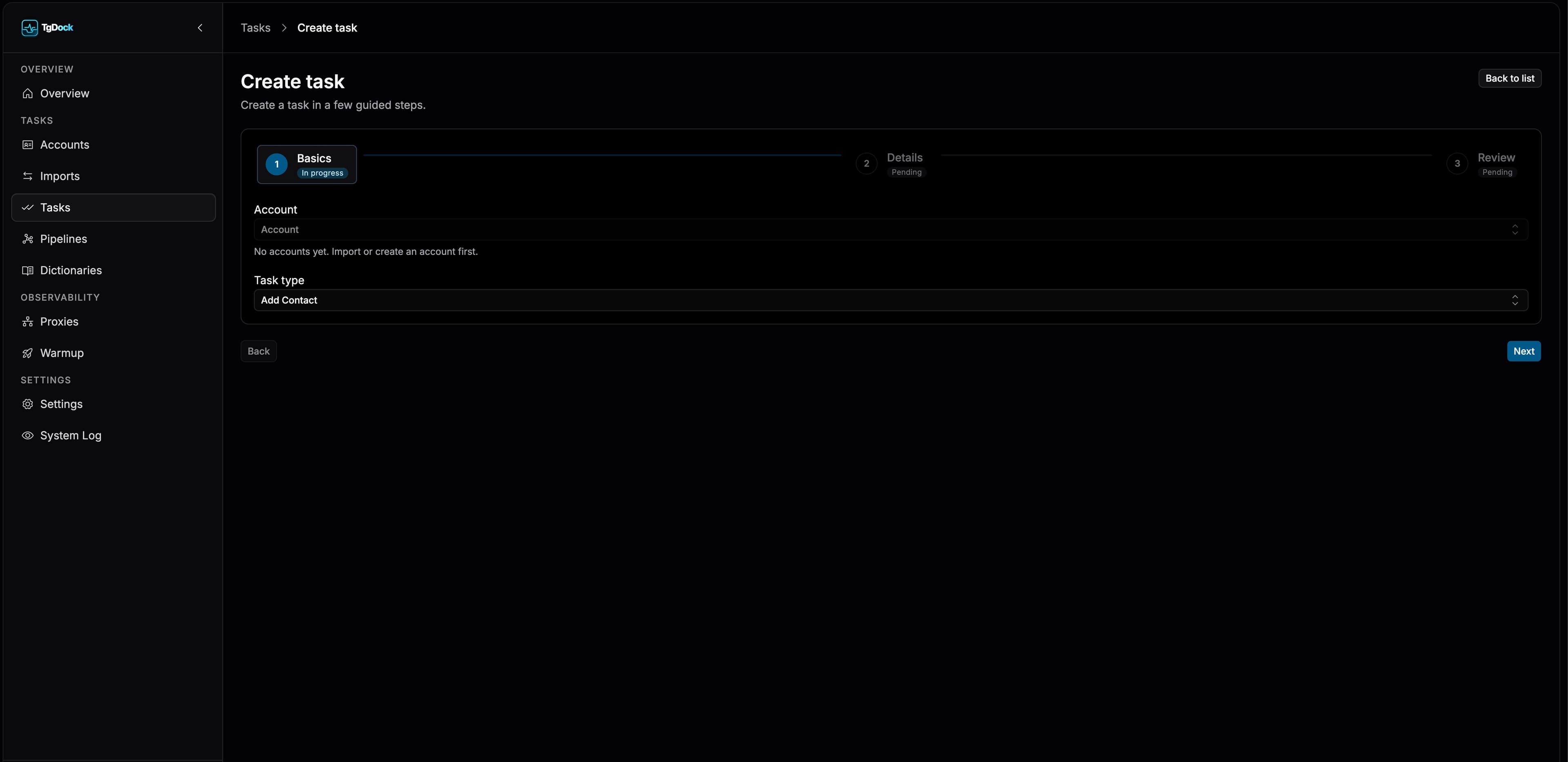
Task creation flow
Step 01
Foundation
Choose the source account and task type: add contact, message a contact, message a chat, or join a chat or group.
Step 02
Details
The form adapts to the selected type, exposing only the fields needed for that action, including message-source choices for message tasks.
Step 03
Review
Review the short summary and submit the task, then return to the task list.
Adding a contact
- Identify the contact either by `username` or by phone number together with a first name.
- For the username flow, use a value such as `@username`; Telegram resolves it to the user.
- For the phone flow, provide the number and first name; the last name remains optional.
- Importing a record into the shared contact dictionary does not add it to Telegram; the actual add happens through a task.
Message source: manual text or message dictionary
- For `Message Contact` and `Message Chat`, operators choose either manual text or a saved template from the message dictionary.
- Manual mode keeps the text directly inside the task form.
- Dictionary mode attaches one shared template from the message-template list.
- A single task can use only one message source: text or template, never both at the same time.
Task detail card
- Summary status and raw error.
- Structured execution result.
- Repeat, cancel, and refresh actions.
- Navigation into the linked account.