
Onboarding
Getting Started
Use this article when you need a reliable first-run sequence from Telegram credentials to the first executable task.
Recommended order
For new workspaces the lowest-friction sequence is Settings → Imports → Accounts → Tasks → Pipelines.
Trial limits
Trial mode caps active accounts, active proxies, and total Telegram task volume per 24-hour window.
First run sequence
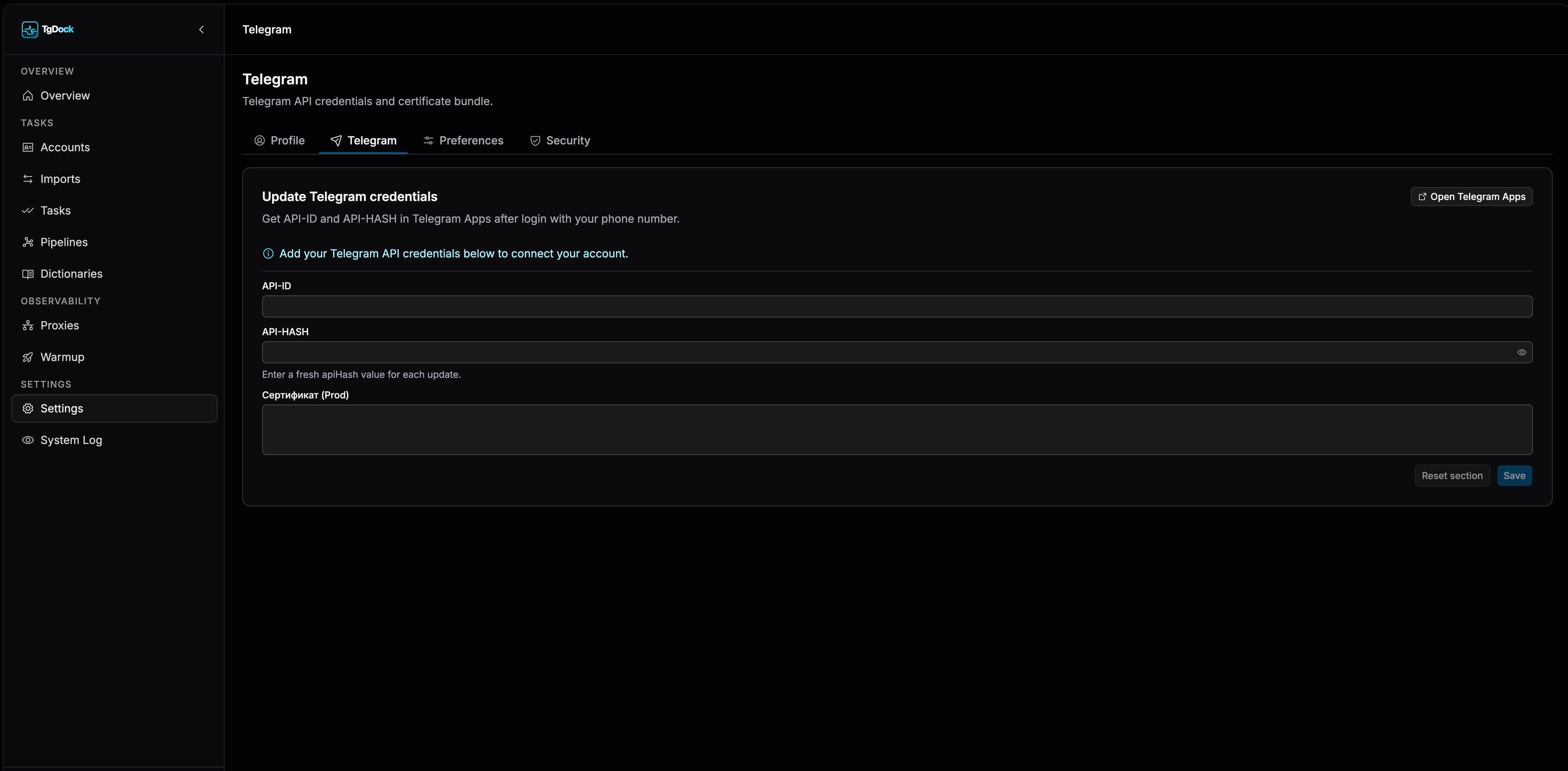
Open Settings
Go to the Telegram tab and fill in apiId, apiHash, and prodCertPem.
Upload account bundles
After saving settings, use Imports to upload JSON sessions or TData archives.
Review readiness
In Accounts, inspect status, authorize sessions, and attach proxies when needed.
Execute work
Use Tasks for one-off actions and Pipelines for chained scenarios.
Trial mode limits
These are the standard Trial defaults. The effective values for your account are always shown under Settings → Plans & Limits.
- Up to 1 active account.
- Up to 2 active proxies.
- Up to 10 Telegram-executing tasks per 24 hours, including pipeline runs.
- The standard Trial period lasts 3 days from user creation.